Adding a website to Cloudflare changes how its DNS is managed and, for proxied records, how web requests reach the origin. Prepare the existing records and a recovery plan before changing nameservers; an active zone alone does not prove that the website and email work.
Record the existing service
Identify the registrar, authoritative DNS provider, hosting origin and mail provider. Save the existing zone records and nameservers. Include website records, MX records, mail-authentication TXT records and verification records. Confirm access to the registrar and intended Cloudflare account, with appropriate account protection.
Add and review the zone
Follow Cloudflare's onboarding workflow: add the domain, choose an appropriate plan and review imported DNS records. Do not assume discovery found every record. Compare them with the saved zone before proceeding.
Choose proxy status by service, not by enabling it for every hostname. Review Cloudflare's supported traffic and configuration for the hostnames you intend to proxy. Mail delivery needs its own correct DNS records and must be tested separately.
Change nameservers deliberately
For the normal full DNS setup, use the exact nameservers assigned to this zone at the registrar. Cloudflare's instructions require handling existing DNSSEC before switching and re-enabling it after activation; stale delegation security records can make the domain unreachable. Follow the current instructions for both services.
Changing DNS delegation does not transfer the domain registration or the application files. Keep the previous DNS service available during the transition and record how you would restore the previous delegation if necessary.
Verify the complete request path
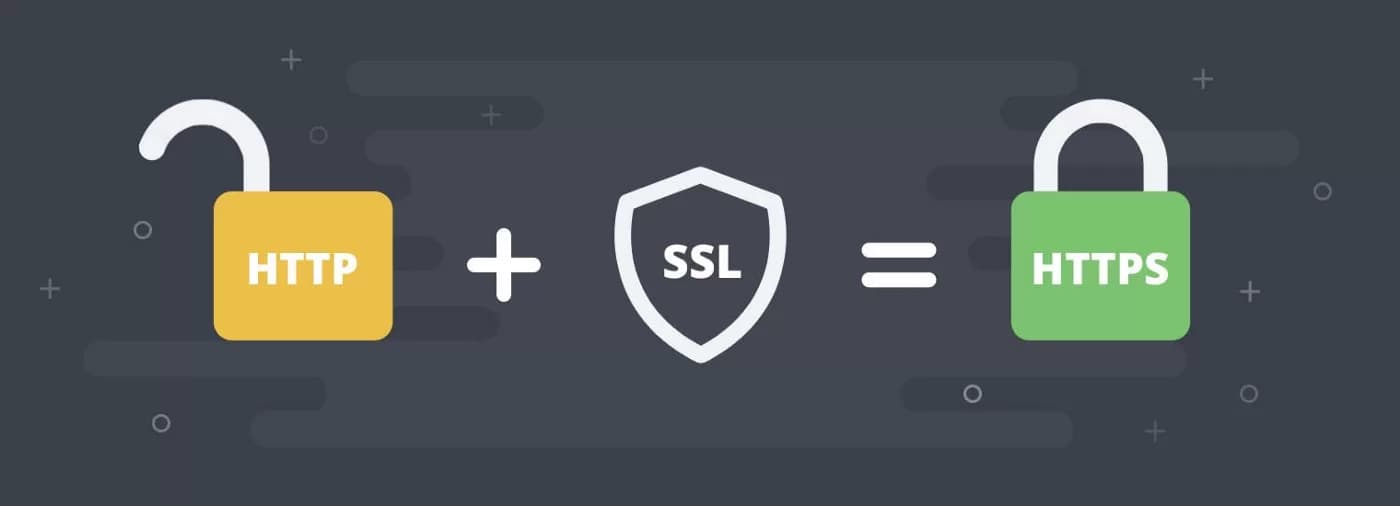
Confirm public DNS answers, certificate validity and the intended origin. Configure TLS for both browser-to-edge and edge-to-origin connections. Test login, forms, uploads, redirects and uncached application pages as well as static content. Confirm sending and receiving email if the domain uses it.
Resolve errors before making unrelated cache or security changes. A plan's included features do not guarantee that every application is protected or faster. If the problem concerns an old cPanel integration, use the separate deprecated-plugin access guide instead of creating a second zone.