cPanel Web Disk provides WebDAV access to files in a hosting account. Use an encrypted connection and an account limited to the required directory. A main cPanel login can expose much more of the account than a collaborator needs.
Choose the access scope
Open Web Disk in cPanel if the provider has enabled it. The main Web Disk account uses the cPanel login and reaches the account's home directory. For another person or device, consider an additional account restricted to the intended directory and read-only access when uploads are unnecessary.
cPanel's Web Disk documentation explains those permissions and recommends encrypted connections. Its secure WebDAV endpoint uses port 2078; use the hostname and settings shown for your account rather than copying an example address.
Configure the client
- Select Configure Client Access for the intended Web Disk account.
- Follow the instructions for your supported operating system or WebDAV client.
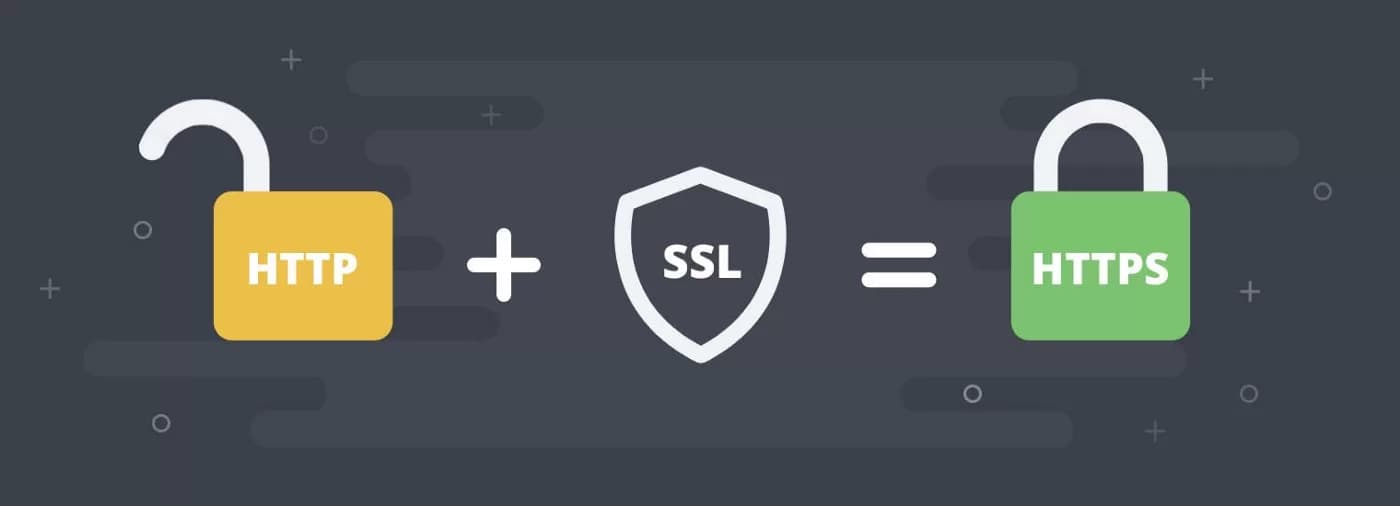
- Use the secure connection and verify the certificate hostname. Resolve certificate errors rather than disabling validation.
- If a configuration script is offered, inspect its source and obtain it only through the authenticated control panel before running it.
Do not share the primary cPanel password merely to transfer one folder. Store credentials securely and remove access when it is no longer required.
Test permissions and recoverability
Start with a disposable test file in the allowed directory. Verify download and, where authorized, upload; confirm that the account cannot reach unrelated directories. Changes through a mounted remote folder affect server files, so keep a recovery copy before editing live content.
If a connection fails, record the client version, hostname, port and error without exposing passwords. Check connectivity and account permissions with support. For occasional browser uploads, the File Manager workflow may be more suitable. Neither method replaces backups.