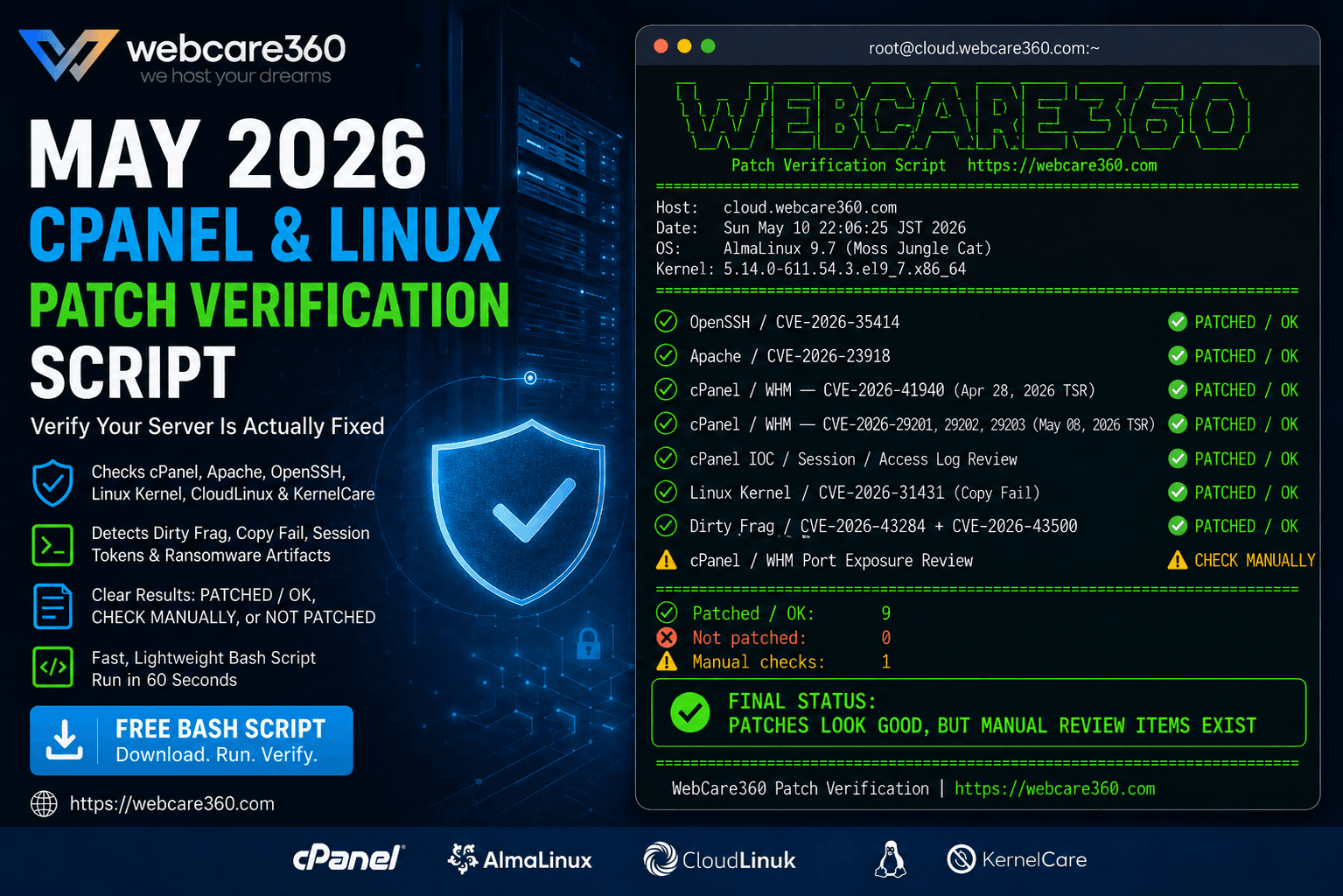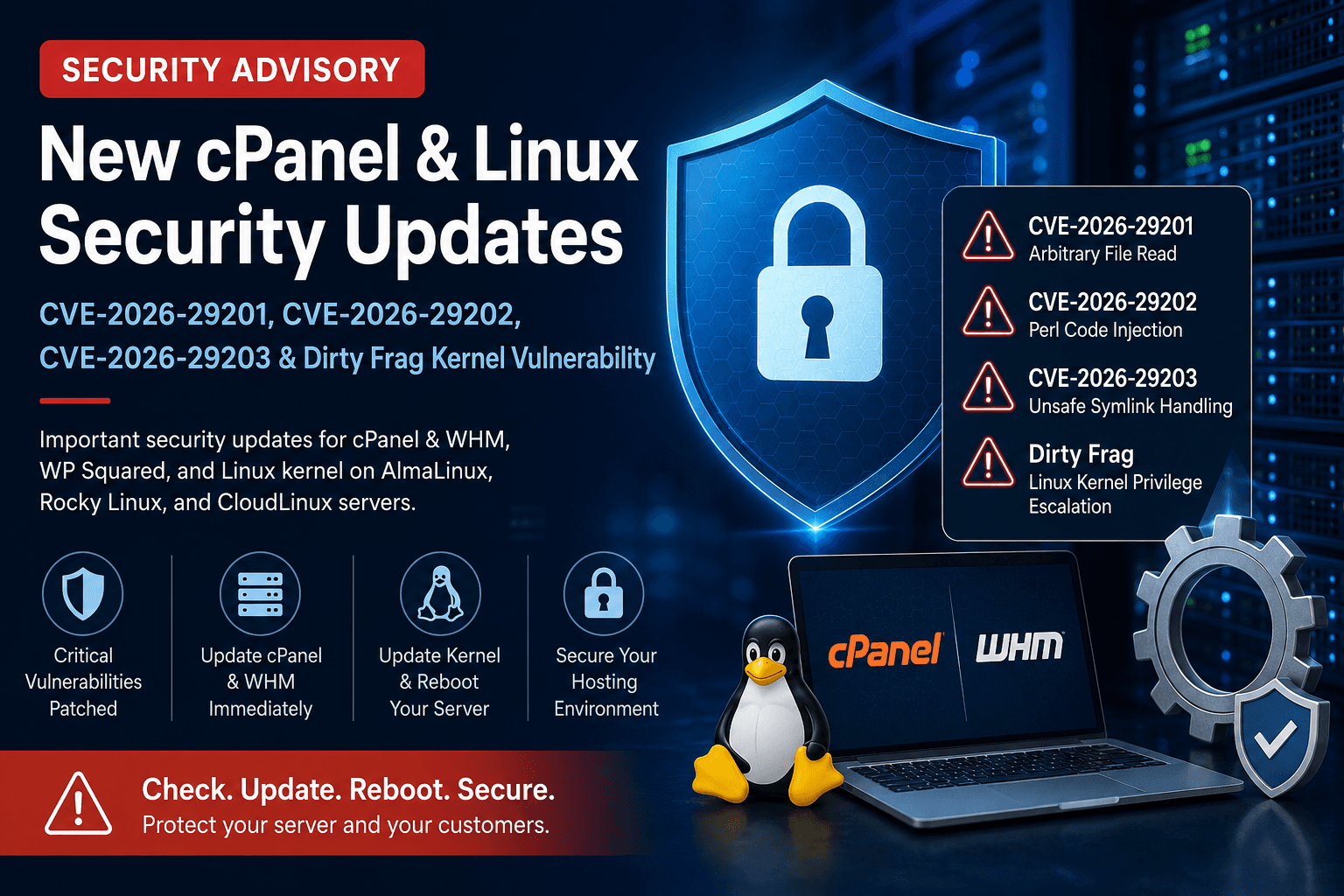
The May 2026 cPanel advisories for CVE-2026-29201, CVE-2026-29202 and CVE-2026-29203, and the separate Linux kernel issues called Dirty Frag, require separate applicability and remediation checks. This is a historical advisory with updated verification guidance, not a complete list of current vulnerabilities or a statement that any particular WebCare360 server has been patched.
Identify the affected component
- CVE-2026-29201: insufficient validation in the cPanel feature-file operation can expose arbitrary files.
- CVE-2026-29202: Perl code injection associated with the user-creation API can lead to privilege escalation.
- CVE-2026-29203: unsafe symbolic-link handling can change file permissions, with denial-of-service or privilege-escalation consequences.
- Dirty Frag: AlmaLinux identifies CVE-2026-43284 and CVE-2026-43500 involving the kernel's IPsec ESP and rxrpc paths.
Do not treat a working website as evidence that the underlying software is unaffected. Conversely, an installed product name does not establish that every listed vulnerability applies to its current build and configuration.
Check cPanel and WP Squared against their own branches
/usr/local/cpanel/cpanel -VRecord the product and complete version, then compare with each applicable vendor advisory and the current branch changelog. cPanel's updated CVE-2026-29203 notice lists WP Squared 11.136.1.11 or later; the earlier announcement's 11.136.1.10 must not be treated as the final reference. Fixed builds on one branch are not version thresholds for a different branch.
Use the vendor-supported update workflow with authorized administrative access, a recovery path and an agreed maintenance window. Review update failures or pinned tiers rather than assuming the command completed. Recheck the installed version and required service state after the update. Historical fixes do not establish that a branch remains supported or that later security issues are resolved.
Verify the running kernel separately
cat /etc/os-release
uname -r
Record the distribution, release, running kernel and package source. Obtain the applicable fix from that distribution's security notice. An AlmaLinux kernel build number must not be applied as a universal threshold to Rocky Linux, CloudLinux, Ubuntu or another kernel family.
Installing a new kernel does not by itself change the running kernel. Arrange a supported reboot and verify the active kernel afterward, or verify explicitly that the deployed live-patching product covers the relevant CVEs on that exact kernel. Have console access and a recovery plan before rebooting a remote server.
Use temporary mitigation only with current vendor guidance
The historical Dirty Frag guidance discusses disabling affected modules. Such changes can disrupt IPsec/VPN or other dependent services. Do not blindly unload modules, suppress errors or clear caches from a copied command block. Check the current distribution notice, service dependencies and reversibility with the responsible administrator. A temporary mitigation is not a substitute for a supported fix.
Close the change with evidence
Keep the advisory URLs, before-and-after versions, update result, reboot or live-patch evidence and application health checks in the maintenance record. Investigate suspicious activity separately; a clean version check does not prove the host was never compromised.
For the earlier, different vulnerability set, see the April-May hosting-stack advisory. WebCare360 is the hosting provider publishing this summary. Ask support for evidence about your specific managed service; this article does not certify customer patch status or extend an unmanaged service's support scope.