A VPS gives you a virtual server environment; it does not automatically give you an entire physical machine or an anonymous account. Resource allocation, operating-system access and provider data handling are separate questions. Understanding those boundaries helps you judge what a VPS specification actually promises.
WebCare360 publishes this explanation and sells VPS hosting. The examples describe technical concepts, not tested performance or guaranteed features of a particular plan.
Start with the host and guest boundary
In hypervisor-based virtualization, guest virtual machines use resources supplied by a physical host. Red Hat’s virtualization overview explains the hypervisor’s role in dividing physical resources between virtual environments. The provider operates the underlying platform; guest administration is a separate responsibility.
A product described as having dedicated virtual CPU resources is not necessarily a dedicated physical server. Ask what is reserved, what is shared and what limits apply. Likewise, a “cloud VPS” label alone does not establish that application data is replicated, that failover is automatic or that a backup exists.
Translate the specification into questions
- CPU: Are resources shared, reserved or subject to a usage limit? How is sustained demand handled?
- Memory: What allocation and limits apply to this guest?
- Storage: What capacity and performance limits apply, and is backup a separate service?
- Network: What port, transfer and fair-use terms apply?
- Changes: Does resizing require a restart, migration or maintenance window?
Evaluate performance with a representative permitted workload and the actual service limits. A larger allocation may help a bottleneck; it is not a guarantee that an application becomes faster or that other infrastructure activity can never affect it.
Isolation is not identity protection
A separate guest environment is not evidence that a host has no billing records, access logs or support records. It also does not prove that infrastructure administrators cannot access the underlying storage. Ask about those controls and contractual practices directly. Encryption decisions must include where keys are held and which systems need plaintext access.
Buying a VPS does not automatically route your personal browsing through it. A separately configured VPN or proxy has its own operational and trust requirements; no VPS purchase guarantees access to every geographically restricted service.
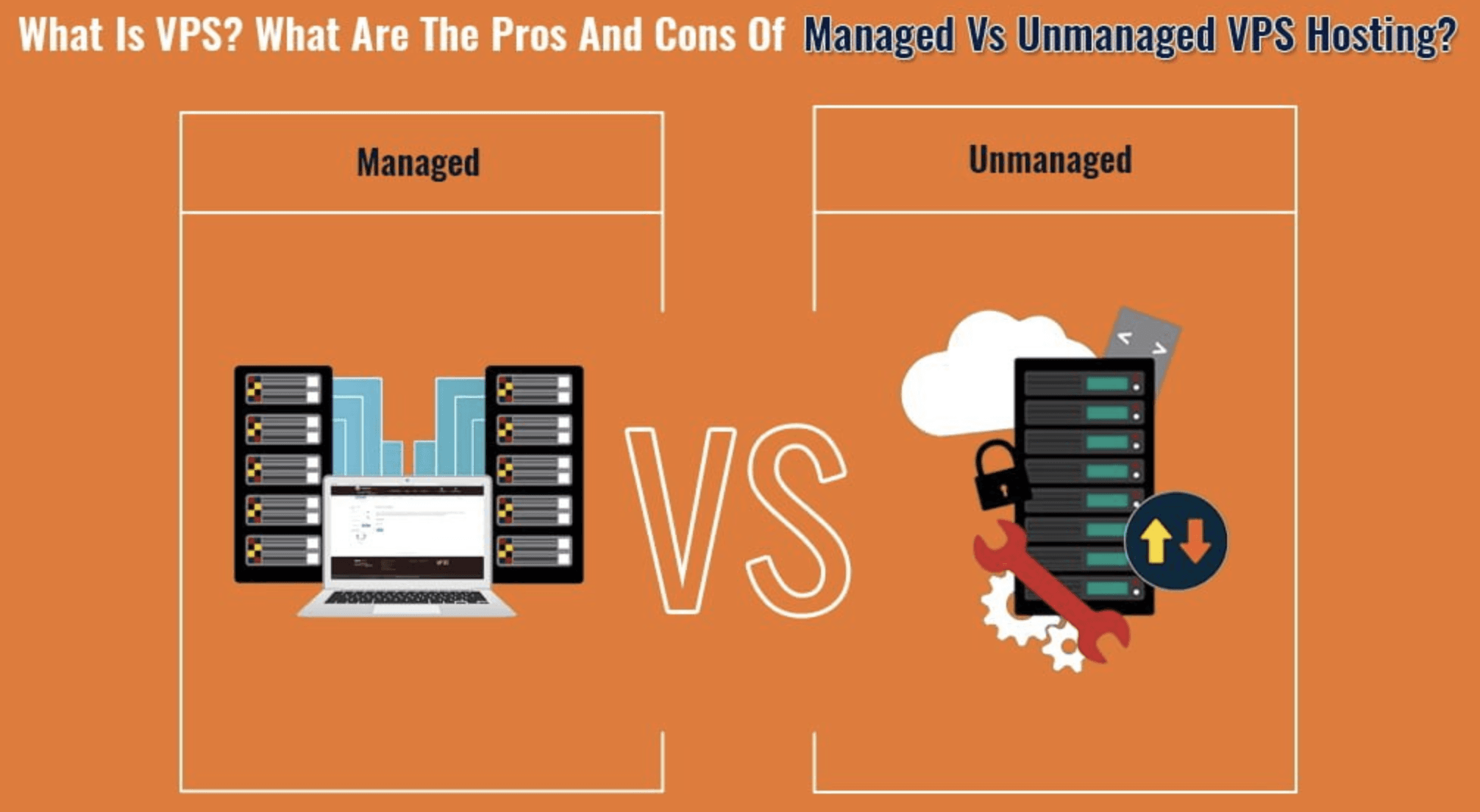
Assign operational responsibility
Document who patches the guest, manages credentials, monitors services and restores data. A management package may move specified tasks to a provider, but the word “VPS” does not define that package. Confirm backup scope and test an authorized restore before relying on recovery. Keep a change plan for resizing rather than assuming it is interruption-free.
Use the right next step
The VPS privacy-limits guide addresses account and provider handling in more detail. For the actual WebCare360 service, consult Offshore VPS Servers and the Service Agreement. Judge the allocation, management agreement and data practices separately; none can safely stand in for the other two.