Choose an offshore hosting plan by recording the application’s requirements and checking them against the current service specification. Start with workload and operating responsibilities, then evaluate location and cost. If you need the definition first, read what offshore hosting means; this guide focuses on selecting a plan.
Write the workload brief
List websites, applications, runtimes, databases, background jobs and integrations. Note whether the software needs administrator access or can run in a provider-managed shared environment. Separate storage for live files and databases from backup copies. Include staging or development installations in resource planning if you intend to use them.
Record resources and traffic
Use measured CPU, memory, storage and I/O demand where available. Record ordinary and peak traffic, transfer volume and concurrency; a visit count alone is not a sizing model. For a new application, test a representative workload and record the assumptions that still need validation.
Choose the operating model
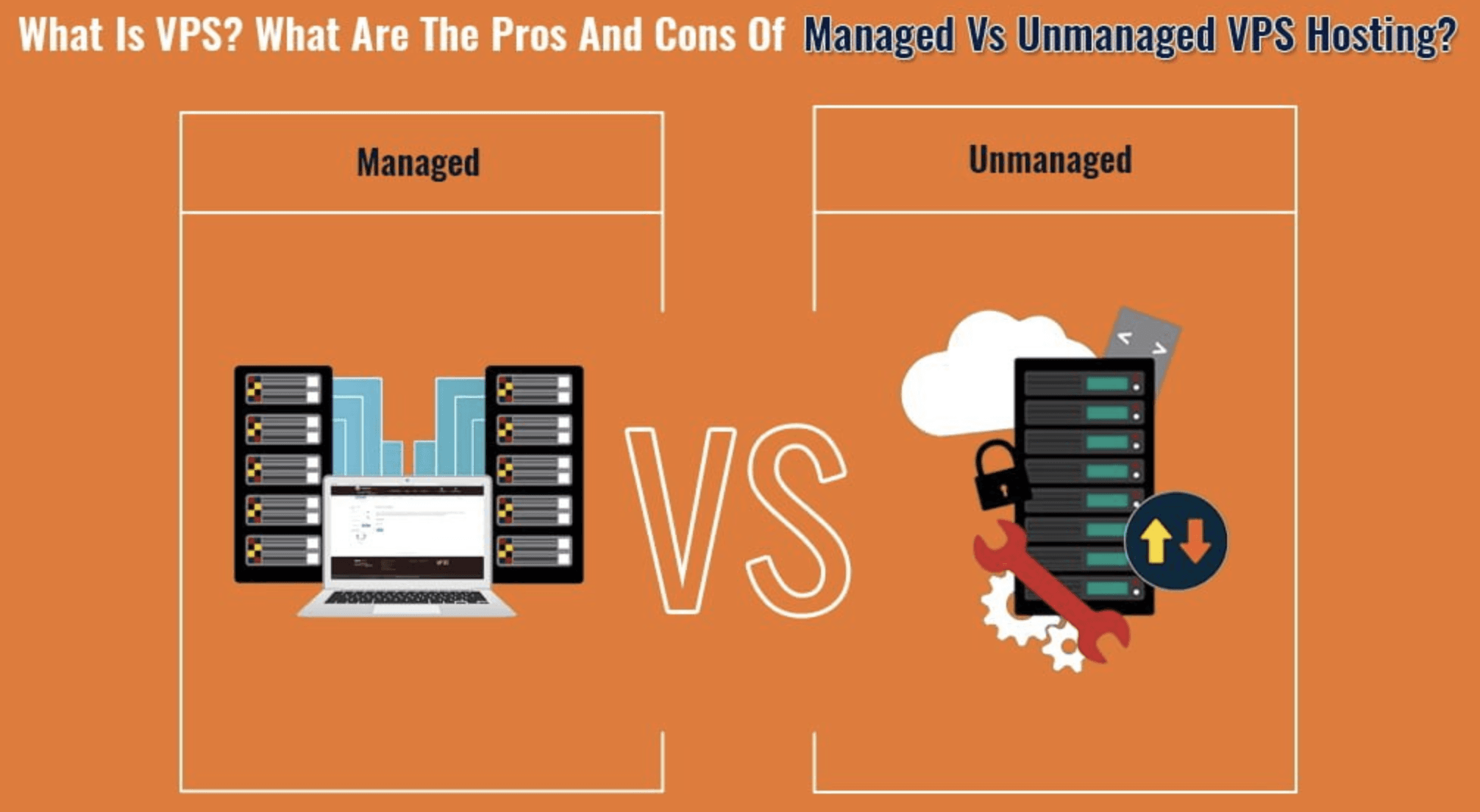
Decide who handles updates, access, application errors, monitoring and restores. Compare shared hosting, VPS and dedicated resources according to the control the application needs. A managed label does not establish every task as included. Confirm support channels, escalation, coverage hours and languages, and the boundary between infrastructure and application work. A response commitment is not a promise to fix every application fault within that time.
Evaluate location and policy
Check connectivity from the actual audience and review the data-handling and content requirements relevant to the project. Record the provider’s permitted-use and complaint terms. A location name is not proof of better performance or legal protection.
Compare the price with total operating cost
Compare equivalent workload and service scope over the same period. Record the introductory and renewal prices, billing currency and commitment length. A low price does not prove poor service, and a high price does not prove that all required work is included.
- Recurring charges: hosting, licences, management, backup storage, optional security services and any agreed maintenance help.
- Usage-dependent charges: transfer or traffic overages, extra storage and other metered resources. Record the applicable allowance and rate rather than assuming unlimited use.
- One-time or event charges: setup, migration, backup restoration and cancellation or early-exit fees, if applicable.
- Payment costs: taxes, processing fees and currency conversion where applicable. Confirm the invoiced amount and currency.
- Your operating work: estimate the time needed for updates, monitoring, recovery and coordination, identifying who will do it. Do not treat unassigned work as included support.
Keep dated quotations and mark each item as included, separately charged, not needed or unresolved. Do not assign a made-up cost to unknown work or compare an introductory amount with another provider’s recurring total. Cryptocurrency acceptance does not establish anonymity or remove billing requirements. For temporary access, use the separate free VPS, trial and credit checks; expiry and paid conversion need their own decision.
Plan growth, migration and recovery
Ask which limits can be changed and whether resizing requires downtime or a migration. Confirm export access, backup retention, restoration ownership and a rollback path. For growth into another resource model, use the infrastructure comparison rather than assuming every shared plan can expand indefinitely.
Make a documented selection
Turn each essential requirement into an acceptance check. Record the provider’s written answer or a representative test, the person who accepts it and any remaining limitation. For an uptime commitment, read the measurement method, exclusions and remedies; a headline percentage alone does not establish the effect of an outage on your business.
Compare the current Offshore Web Hosting plans against your brief. Mark each requirement as confirmed, unsupported or awaiting an answer. Resolve required capabilities before ordering; no score or generic “best plan” label replaces those checks.
WebCare360 publishes this guide and sells hosting. These are selection questions, not a quotation or a promise that any particular service includes the listed capabilities.