Stay on shared hosting when its software, resource limits and operating arrangements meet your needs. Consider a VPS when you can identify a requirement the shared environment cannot satisfy and can operate the proposed replacement. Being a small business, adding a website or expecting growth is not, by itself, a reason to upgrade.
This guide addresses that stay-or-move decision. It does not rank VPS providers or establish a traffic threshold at which every site needs a virtual server.
Understand the operating boundary
Shared hosting normally gives you an account within a provider-operated platform. You work within its supported software, configuration permissions and resource limits. A VPS gives you a virtual server environment with an allocation and service boundary defined by the implementation and offer. The underlying physical machine may still serve other customers.
Red Hat's virtualization explanation describes how hypervisors allocate physical resources to virtual machines. A virtual CPU allocation is not proof of exclusive physical hardware. Confirm the actual CPU, storage, network and administration rules instead of treating “VPS” as a performance specification.
Stay on shared hosting when it fits
Keep the existing model if the application runs correctly, required software and account-level controls are available, and observed performance, support and recovery arrangements meet your requirements. This can be a suitable choice for a small team with limited time for server administration. Application updates, user access and recovery still need an agreed owner.
If the site is slow, investigate the affected operation before changing models. A large image, expensive database request, cache configuration or failing integration may need application work. Moving the same problem to a VPS is not a demonstrated fix.
For example, acceptable public-page performance does not establish that a store's checkout works adequately. Assess the operations your users actually need, including logged-in or transactional work where relevant. Include checkout in the trial instead of testing only cacheable pages.
Identify a specific upgrade trigger
- A platform restriction: a required runtime, background service or configuration is unavailable on the shared account.
- An observed resource constraint: usage records or provider evidence show a relevant limit being reached during the affected workload.
- A required control boundary: the application needs server-level configuration or a specified isolation arrangement the current account cannot provide.
- A sustained workload change: the existing limits no longer fit after reasonable application fixes, and the proposed allocation addresses the identified constraint.
Ask which limit matters and how it affects the application. CloudLinux's limits documentation, for example, distinguishes CPU, memory, I/O and process limits and their effects. These are implementation examples, not universal account limits or current WebCare360 plan values.
Record the constraint, the evidence and what must work on the replacement. Do not invent a visitor count, revenue level or RAM percentage as an automatic upgrade point. Check whether an appropriate shared plan or configuration change can solve the problem before assuming a different hosting model is necessary.
Budget for control and responsibility
Compare the recurring service price with licences, management, administration time, backup or recovery tools, migration effort and optional services. A lower invoice does not settle the operating-cost question. For uncertain growth, ask what can be resized, which changes require interruption or migration, and what the changed service would cost.
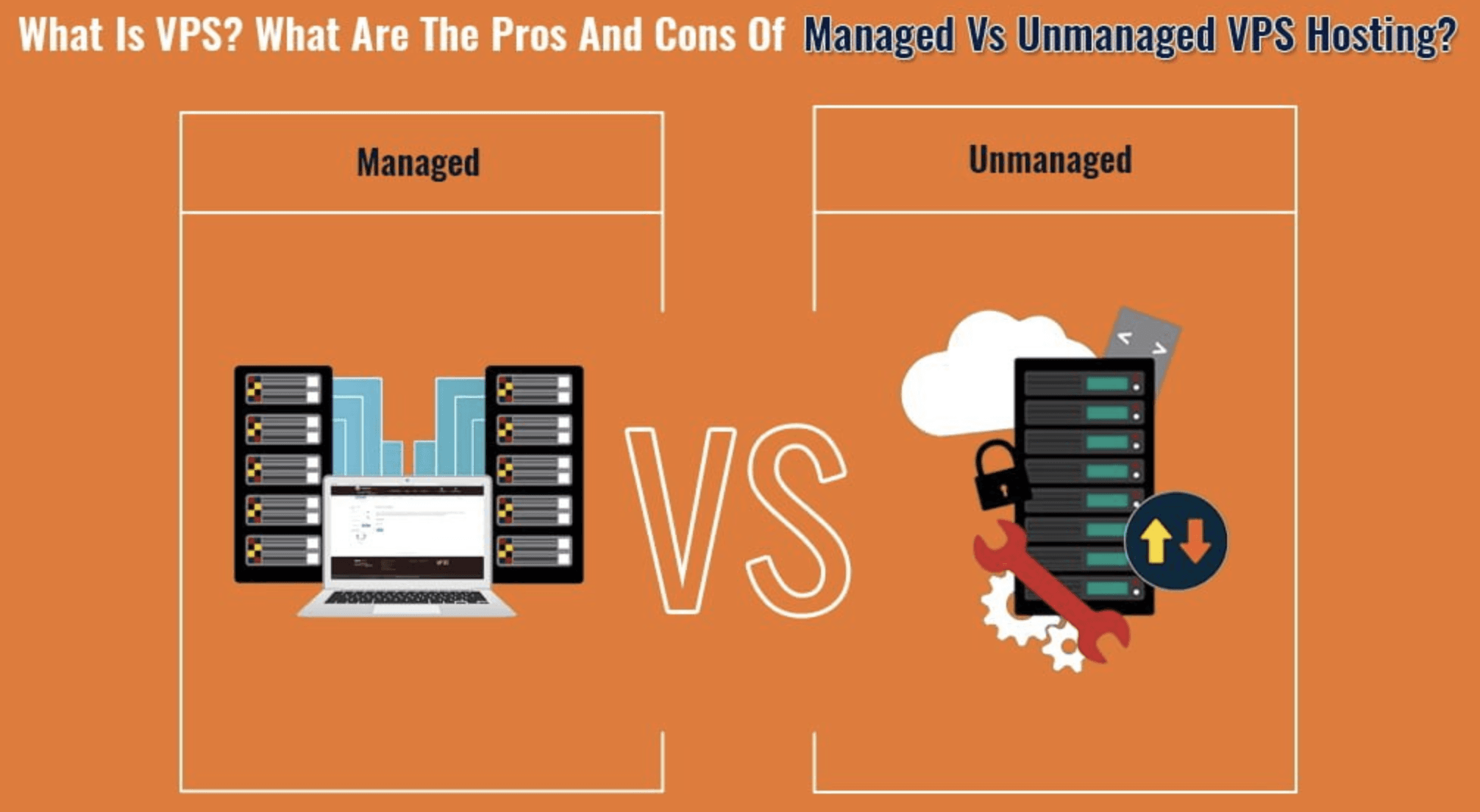
If your team cannot maintain the guest environment, establish who will patch the operating system, configure services, monitor the workload, handle incidents and perform restores. Limited technical expertise is a reason to resolve that ownership before moving, not evidence that a generic managed label covers everything. The managed-versus-unmanaged responsibility guide develops that separate decision.
Greater control is not automatic security. NIST's full-virtualization security guidance treats guest systems and the virtualization platform as components with security responsibilities. Root access does not patch an application or prevent compromise. Neither shared hosting nor VPS is proven secure solely by its category.
Validate the move before committing
Confirm that the proposed environment supports the application and test the previously constrained work under a representative, permitted workload. Check required data, mail, scheduled tasks and integrations, and establish recovery ownership. Actual allocation, host architecture, storage, network and application behavior determine the result; a VPS label does not guarantee faster responses or better uptime.
Accept the replacement against the requirement that prompted the move before changing public traffic. Keep a viable return path until acceptance. The separate website migration guide covers synchronization, cutover and rollback; this comparison does not replace that procedure.
Choose the model that resolves the constraint
Write down why staying or moving is justified, the evidence still missing and who owns the resulting work. Compare the current shared Web Hosting scope and VPS specifications against that record. Current product descriptions and agreements own prices, resource allocations, backup scope and management inclusions.
WebCare360 publishes this guide as a hosting provider. No first-hand performance test, guaranteed savings or automatic SEO improvement is claimed. Choose VPS only when its actual service and operating model solve the documented requirement; staying on shared hosting is a valid outcome.